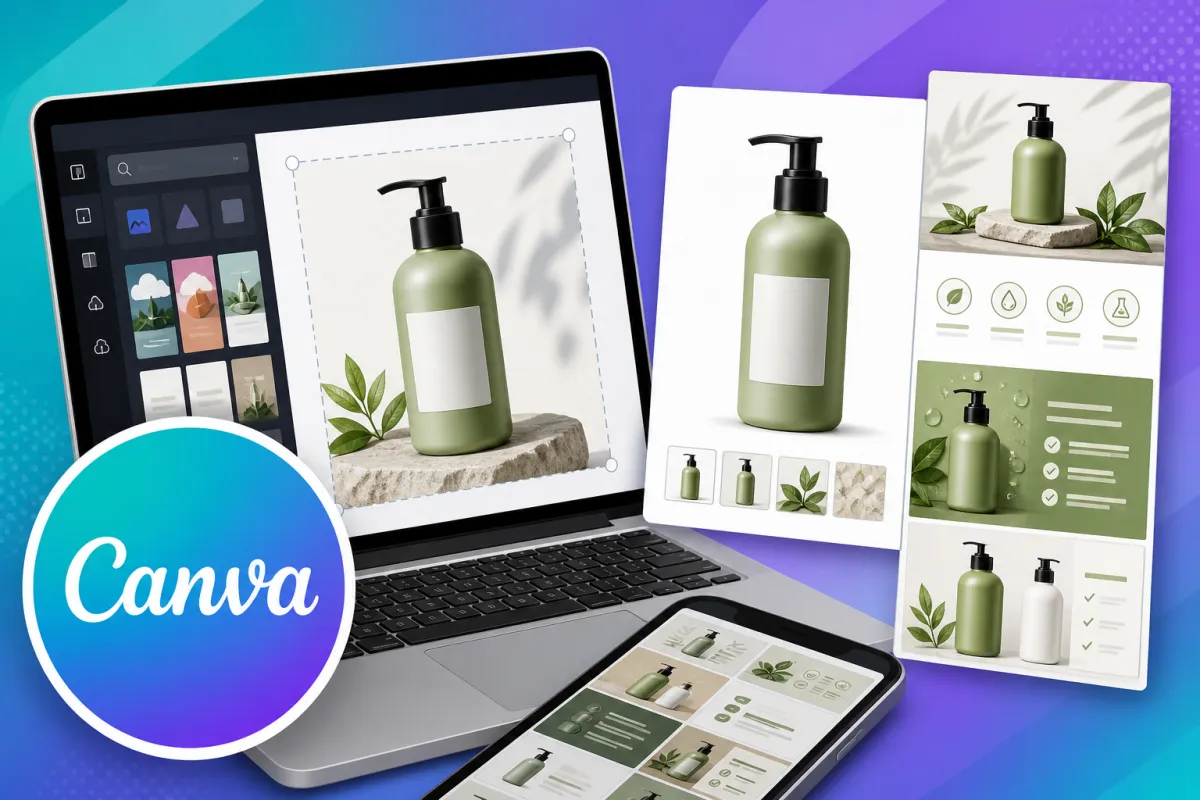
Canva for Amazon Listings
Let's be real for a second: on Amazon, your images are your first and sometimes only shot at grabbing a buyer's attention. This month's tool, Canva, is an absolute gem for whipping up professional, high-converting graphics without needing to bring a designer on board.
What is Canva?
Canva's a dead simple, web-based graphic design platform that's taken all the hassle out of creating good-looking visuals. It comes with pre-sized templates, a drag-and-drop editor that anyone can use, and a massive library of photos, icons, fonts, and design bits. It turns what used to be complex design work into something straightforward that anyone can master.
How Canva Impacts Your Listings
Good design has a direct line to click-through rates, dwell time, and conversions.
Listings with custom, clean, and informative graphics build instant trust and professionalism. Well thought-out infographics can actually cut down customer questions and returns by showing features and benefits visually.
How to Use Canva for Key Listing Elements
Main Product Images: Jump on Canva's "Amazon Product Mockup" or "Amazon Listing" templates to create clean, white-background hero shots with subtle shadows or context.
Infographic Lifestyle Images: Put together graphics that highlight key features, dimensions, use-cases, and benefits. Canva's icon library is perfect for whipping up quick, scannable visual bullet points.
A+ Content / Brand Story: Lift your EBC/A+ Content with custom branded banners, comparison charts, and layouts that tell your product's story more powerfully than plain photos ever could.
Brand Consistency: Set up a saved brand kit in Canva with your logo, brand colours, and fonts so every image you create actually reinforces your brand identity.
Getting Started: Key Steps in Canva
Template Search: Log in to Canva and search for "Amazon Listing," "Amazon A+ Content," or "Ecommerce Product Image."
Customise: Use the drag-and-drop editor to swap in your product photos, change text, and adjust colours to match your brand.
Export: Download your designs as high-resolution PNG files (go for these if you've got text) or JPG files, perfectly sized for Amazon's requirements.
The Bottom Line: In a marketplace where visuals decide the first click, Canva puts you back in control. Putting time into creating better images is one of the fastest ways to lift perceived value, stand out from the crowd, and boost your conversion rate
